Killing PowerPoint:
A Webpage presentation design workshop

Available Now!

View the updated version of this webpage presentation, and learn how to make presentations like these on your own.

Browse the Playbill program to learn more.

View dates and purchase tickets on Eventbrite:

Description

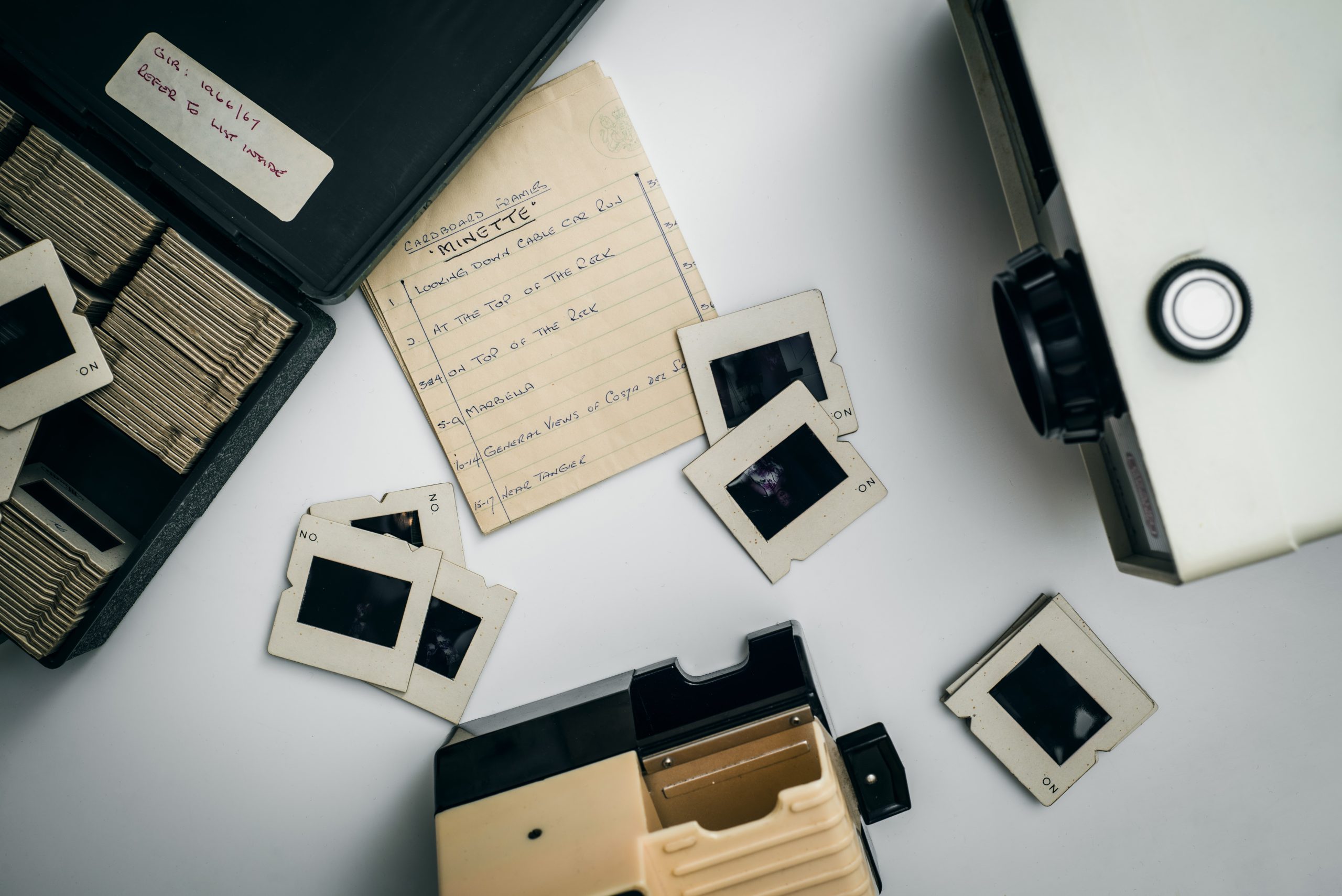
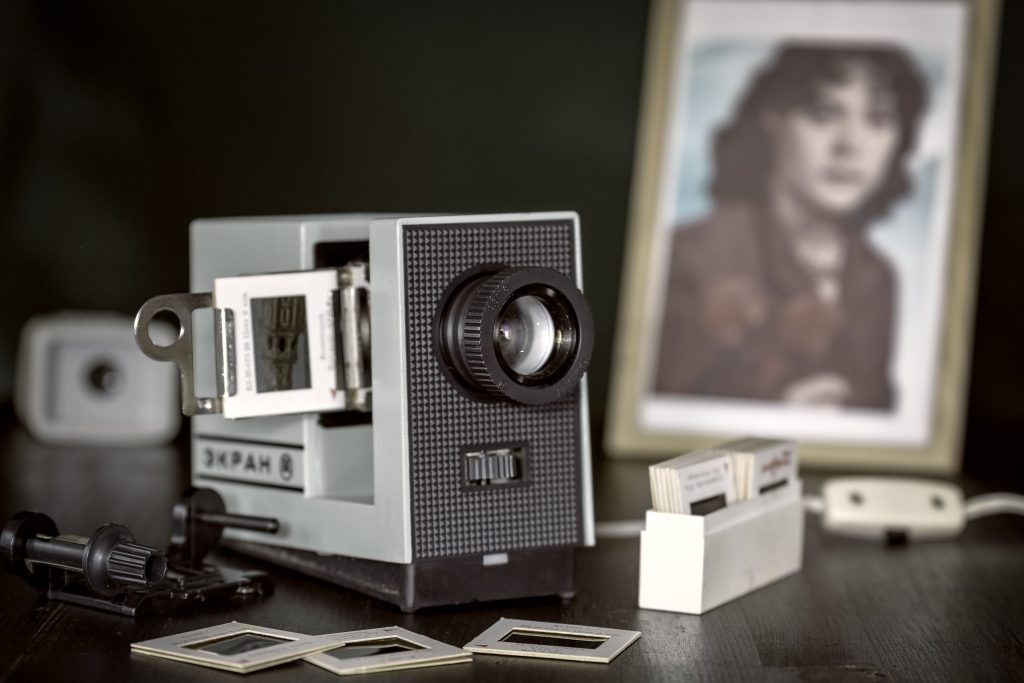
Slide decks, slideshows, and PowerPoints are tied to a time when content was static and contained in finite pages. We navigated through content by moving from slide to slide, page to page. Now, we have websites and digital media. Not only has content evolved drastically, but so has the way that we can interact with this content on a screen. Webpage presentations fit in with today’s visual culture. Today, we can present content in a way that matches how we naturally view and experience the world.

This presentation has three parts: when, why, and how. We’ll look at the history of visual storytelling to understand why it’s time for a change. Then, I’ll discuss how to build webpage presentations using page builders, WordPress, and other tools.
Featured Event:
The WWW (Work w/ Win) Livestream

Location:
LinkedIn

Date:
April 16, 2024

Accessibility Notice

  • Made to be presented live
  • Links open in new tab
  • Videos and gifs are set to auto-play
  • Designed for desktop viewing

Presentation Dates

Event

Link

Date

Format

Page Builder Summit

Register @ PageBuilderSummit.com

February 20-24, 2023

Virtual

Reclaim Open

Buy a ticket @ ReclaimOpen.com

June 5-7, 2023

In-person

Los Angeles WordPress Meetup

RSVP @ Meetup.com

June 15, 2023

Virtual

WordCamp Atlanta 2023

Buy a Ticket @ Atlanta.WordCamp.org/2023

October 15, 2023

In-person

Indy Hall

RSVP @ IndyHall.org

October 5, 2023

Virtual

BlackPress Meetup

RSVP @ Meetup.com

October 25, 2023

Virtual

South Jersey WordPress Meetup

RSVP @ Meetup.com

January 9, 2024

Virtual

Elementor Central Meetup

RSVP @ Meetup.com

April 1, 2024

Virtual

The WWW (Work w/ Win) Livestream

RSVP on LinkedIn.com

April 16, 2024

Virtual

Philadelphia WordPress Meetup

RSVP @ Meetup.com

March 21, 2024

Virtual

WordCamp Montclair 2024

Buy a Ticket @ Montclair.WordCamp.org/2024

June 1, 2024

In-person

Innovation Women

RSVP @ Bright Talk

June 12, 2024

Virtual

DEATH
TO
SLIDE
DECKS

Why your next presentation
needs to be a webpage

Rachel Winchester

Product Design & Internet Art

Visual Webmaster, l. l. c.

“Creative & Compelling Communication”

When you think of the word "page,"
what comes to mind?

  1. When
  2. Why
  3. How

When?

Past

Death to
Slide Decks

Rachel
Winchester

Slide Show:
Circa 1600

Images shown 1-by-1 in sequence

Slide Deck:
Circa 1600

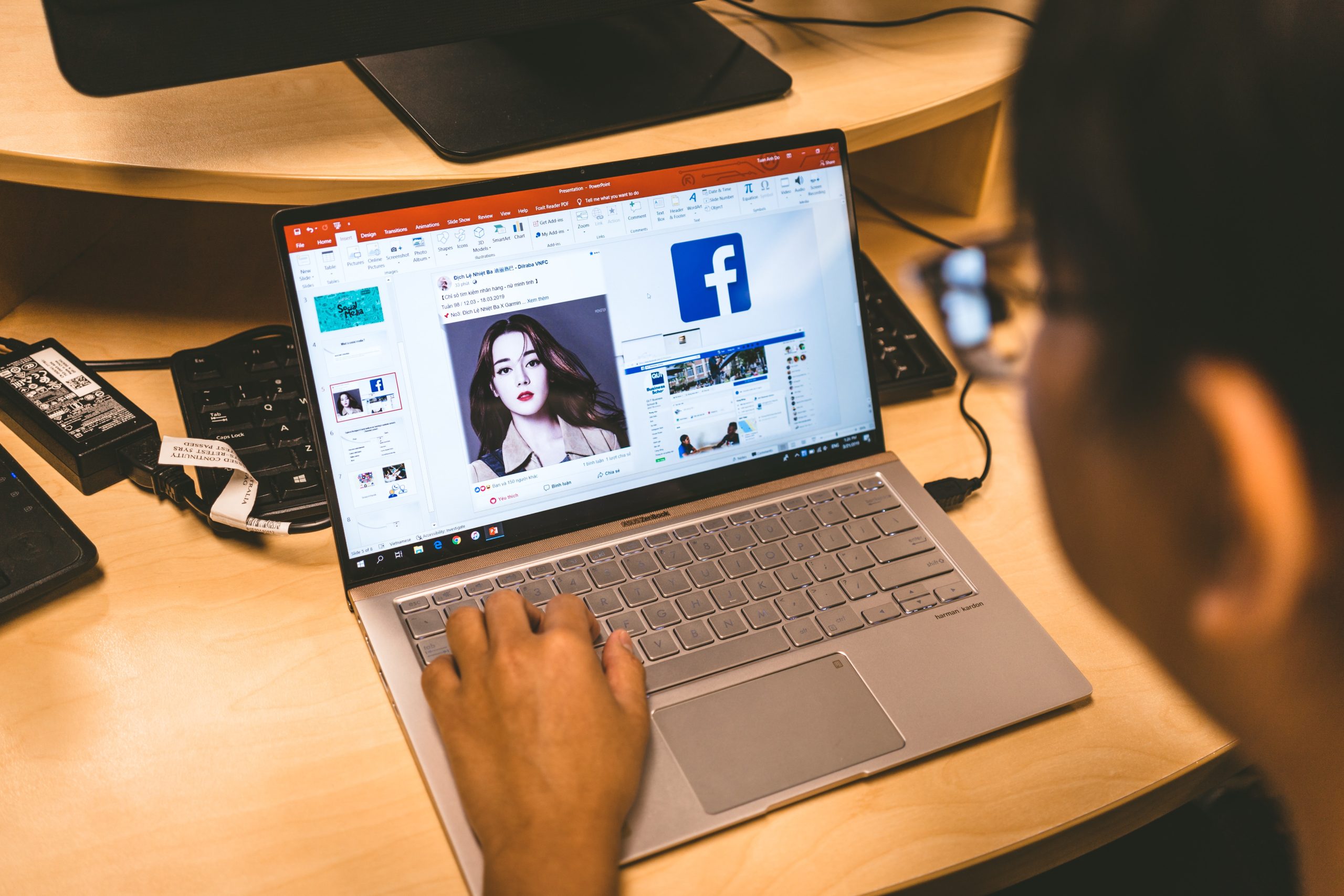
Microsoft PowerPoint: Circa 1987

Predates the mass adoption of the internet 

images

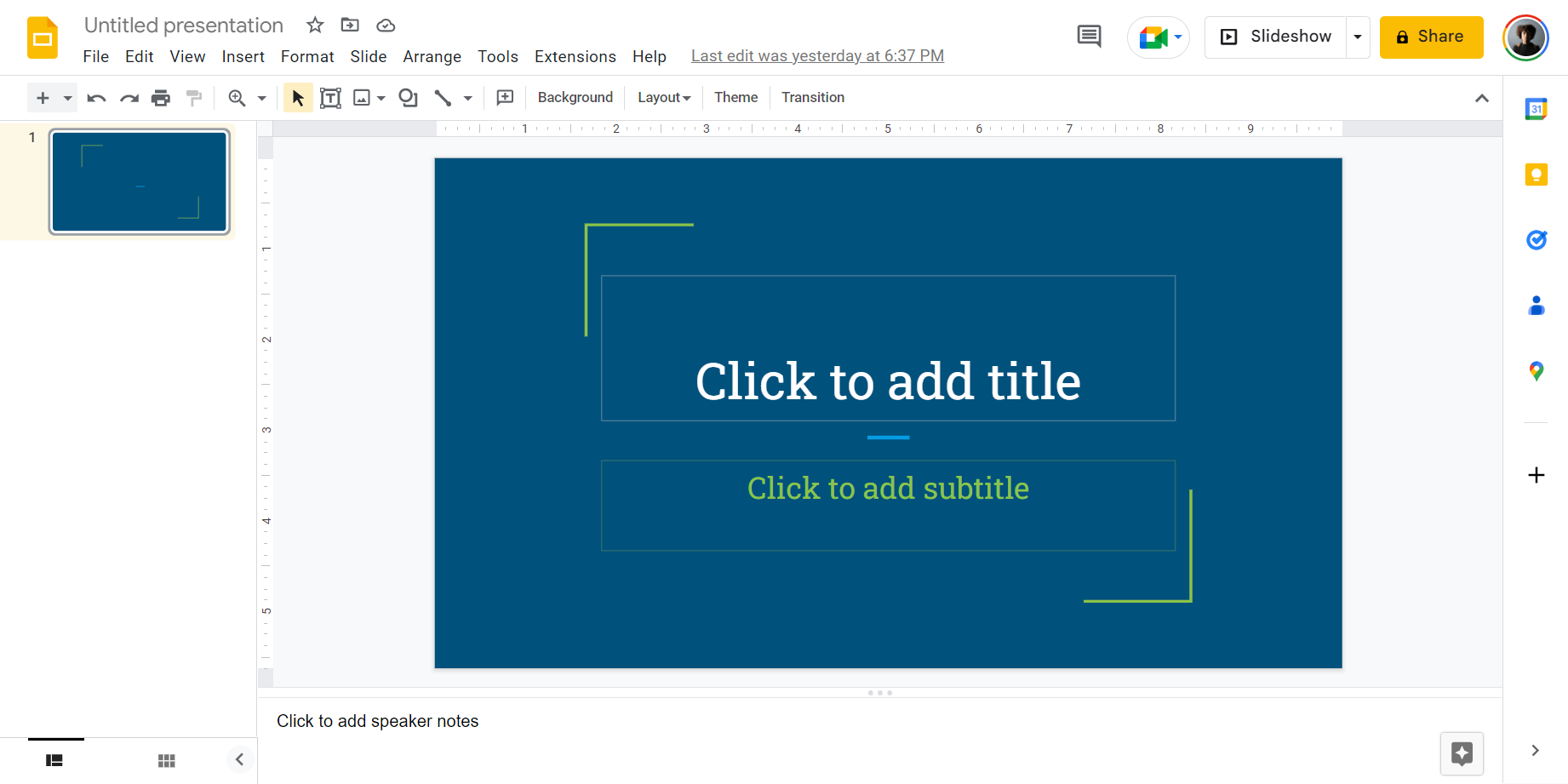
Google Slides:
Circa 2006

Cloud-based software

Transitions

Death to
Slide Decks

Rachel
Winchester

Slide Decks, Slide Shows, and PowerPoints are tied to a time when content was static and contained in finite pages.

We navigated through content by moving from slide to slide, page to page. We had to “turn the page” or hit “next.”
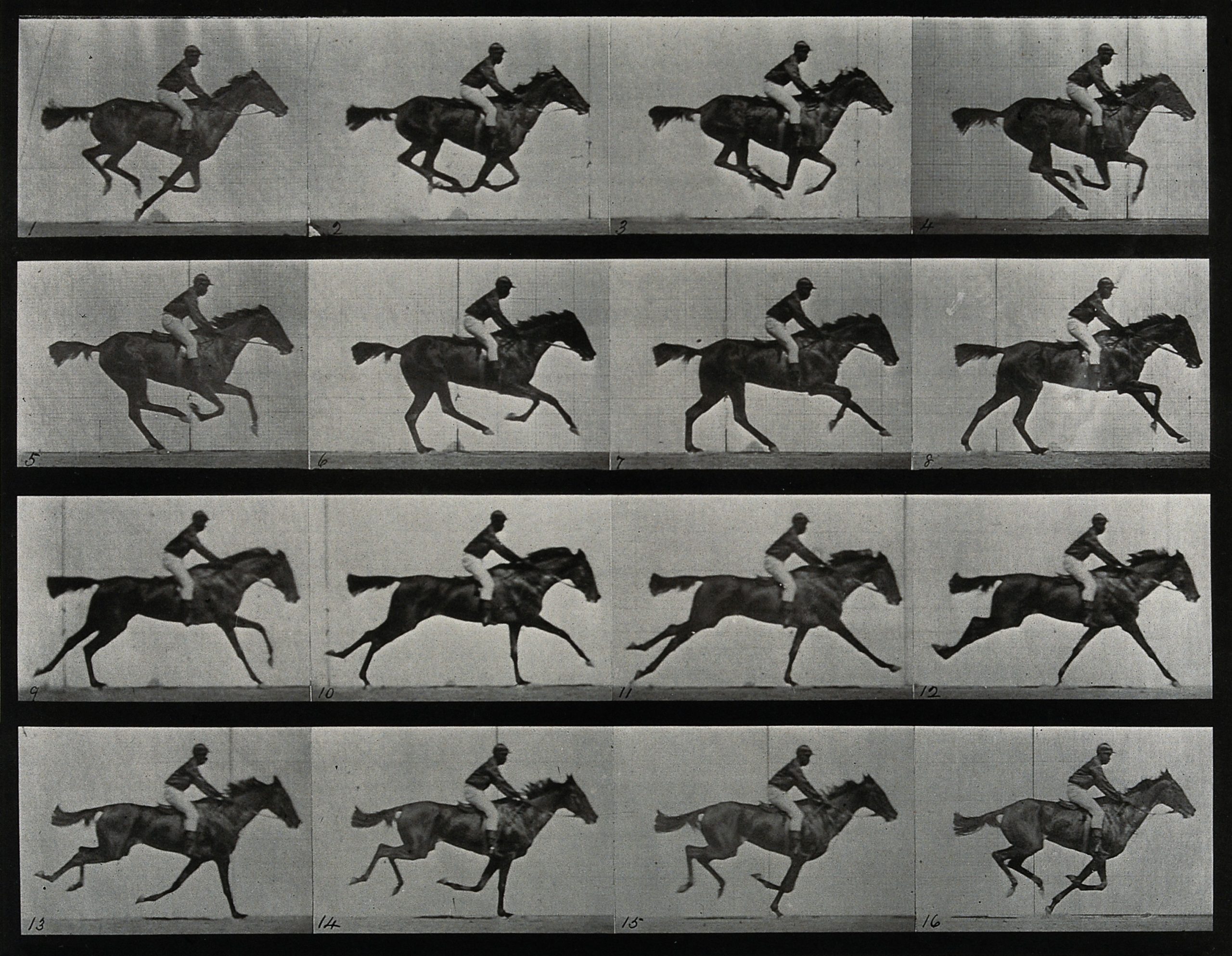
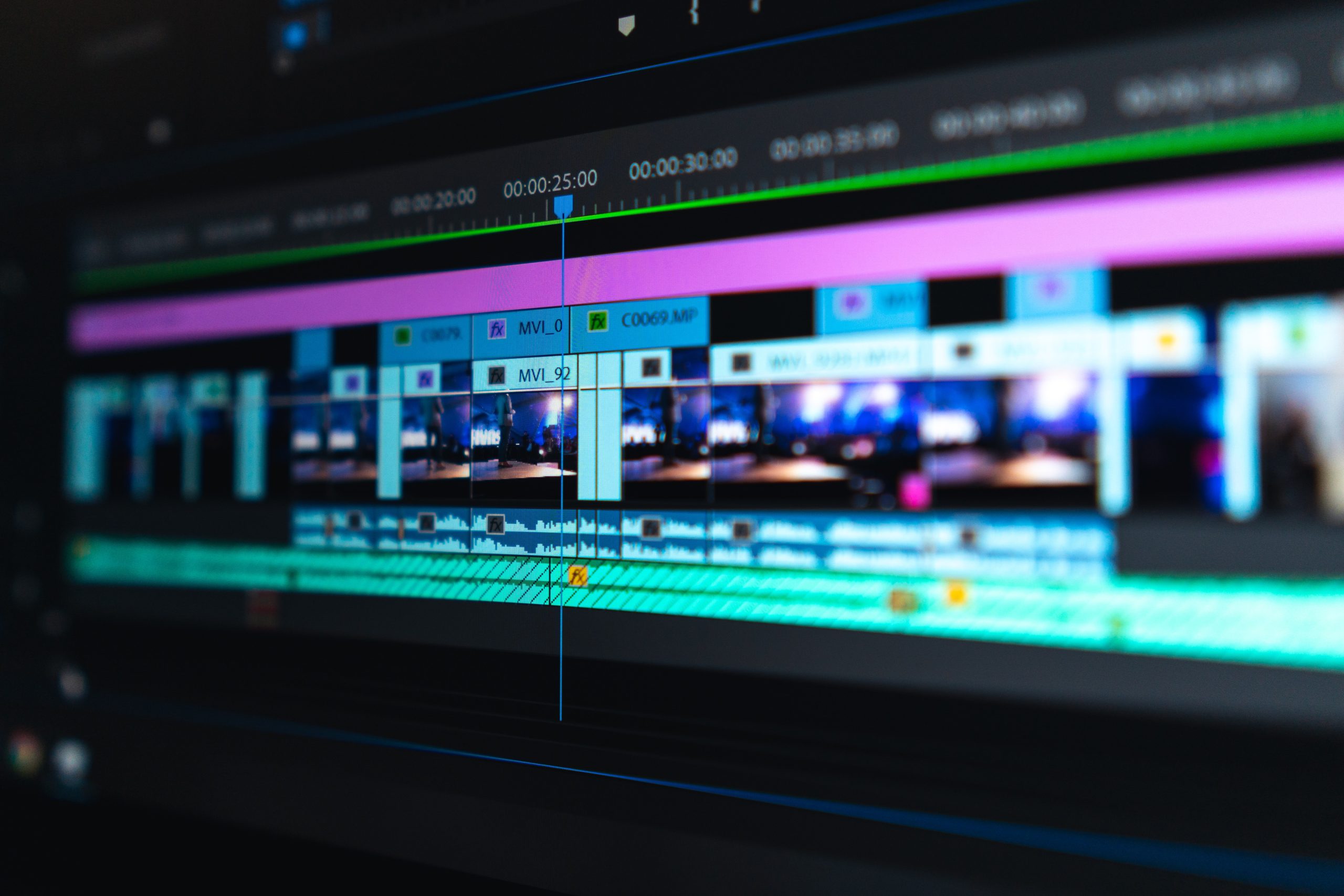
Transitions have always been a problem with visual storytelling, but now there are modern solutions. 

Muybridge race horse animated

“The Horse in Motion”
Eadweard Muybridge
1878

> Read more on Wikipedia

As transitions get smoother, content becomes seamless. 

Today, we can present content in a way that matches how we naturally view and experience the world.

Present

Death to
Slide Decks

Rachel
Winchester

Digital Video:
Circa 1986

Digital video is made of images displayed in rapid frequencies.

GIFs

Graphics Interchange Format

Digital Interfaces

Not only has content evolved drastically, but so has the way we interact with it.

Web3:
Internet is Ubiqioutous

TikTok:
Circa 2016

Times have changed.

It’s time to “transition” into the future.

(Pun #1)

Thesis

Webpage presentations fit in with today's visual culture. They match how we naturally view and experience the world.

Let's all get on the same "page" now...

(Pun #2)

Future

Think about content
 in terms of:

“frame” 

“window” 

“feed”

“viewing area”

“canvas”

Think about interactions
in terms of:

“scroll” 

“zoom”

“swipe”

“click”

“pinch”

  1. When
  2. Why
  3. How

Why?

Content

Death to
Slide Decks

Rachel
Winchester

"Canvas"

"Frames"

More "Frames"

Depending on the frame rate of a video or GIF, it can look choppy or smooth.

"Viewing Areas"

A.k.a.: “Viewports”

"Windows"

Interactions

Death to
Slide Decks

Rachel
Winchester

"Scroll"

“Scrolling” is so enjoyable for us, it’s practically addicting!

"Pan" & "Zoom"

"Pinch"

a person exploring space on an ipad

"Click" / "Press"

fingers pressing piano keys
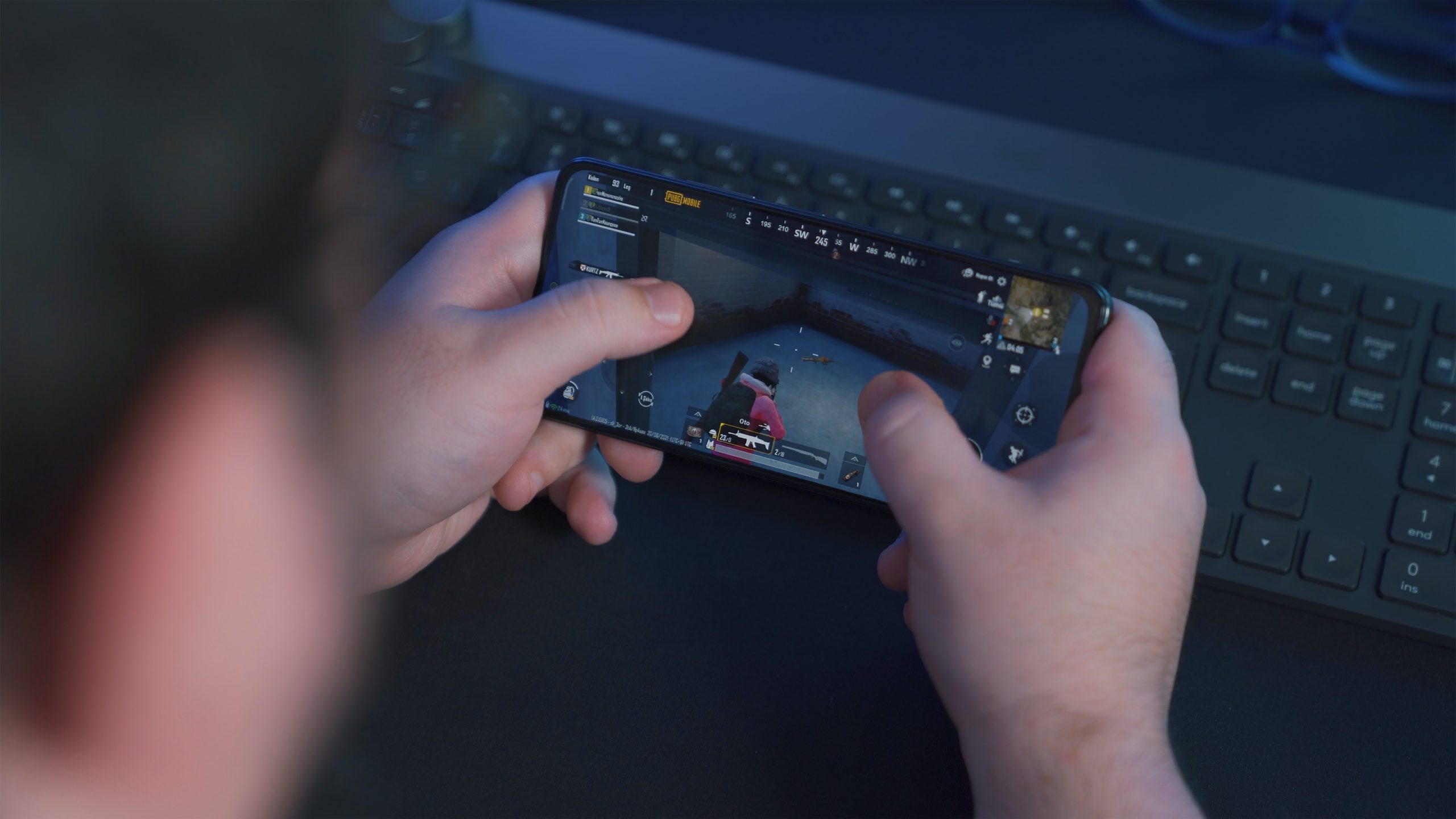
two people with video game controllers in their hands
hand clicking a mouse

Pros

Some advantages of

webpage presentations:

  • Update as needed.
  • Fix errors!

You can do everything you can do with PowerPoint, and so much more.

  • Social Share
  • Links
  • Pingbacks

Cons

Potential issues to be aware of, 

and how to get past them:

Page Builders & CMS

>  Elementor

>  WordPress

My tutorial:

>  The Case for Elementor: Working Solo as a Product Designer

Other options:

  • Google Doc: use the “Pageless” format
  • Tumblr
  • Blog Post
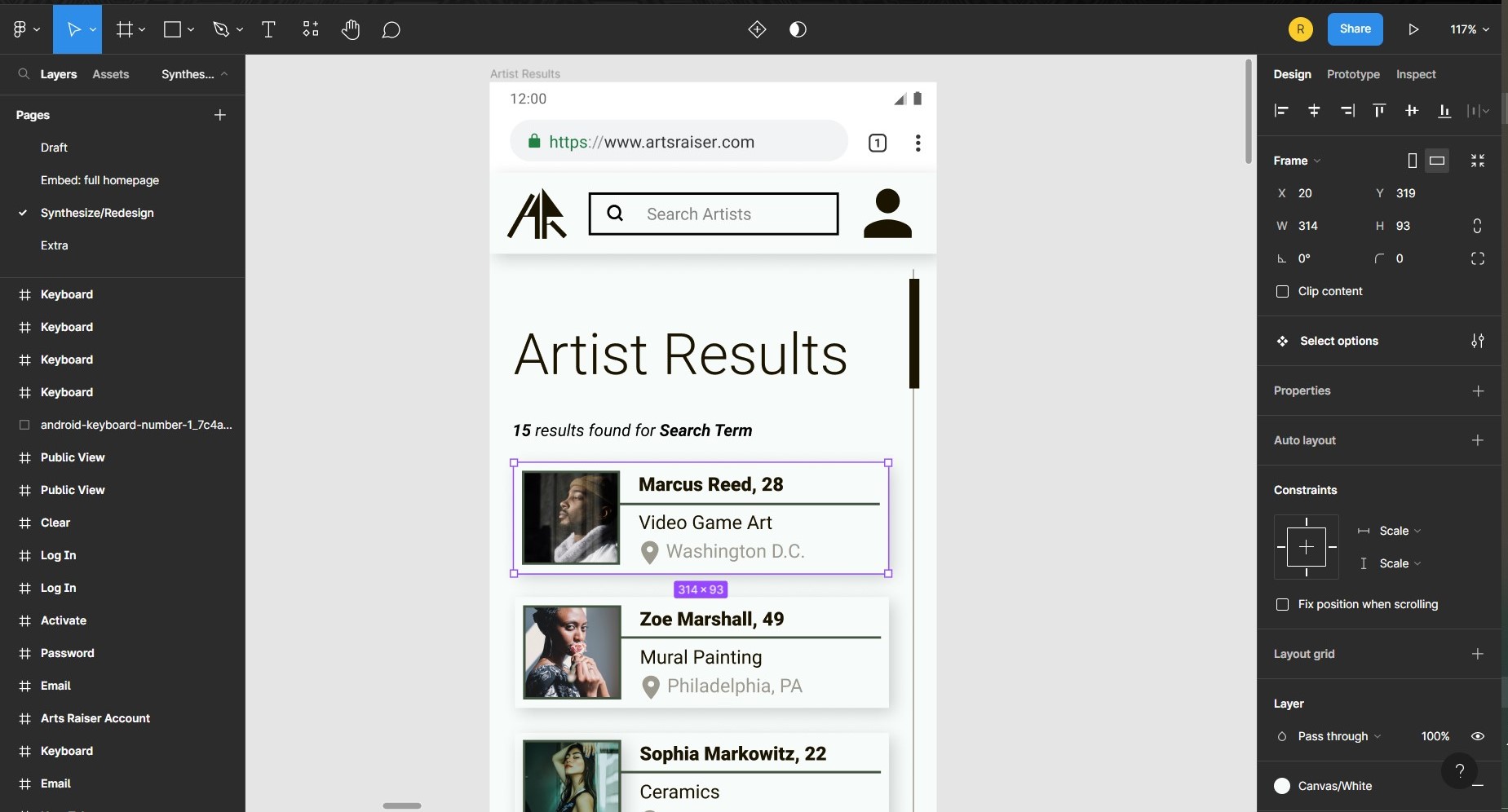
  • Mockups or Prototypes (Figma, Adobe, Canva, etc.)

This is an ongoing question!

Some tips:

  • Add alt text to photos
  • Follow correct headings and outline structure (only 1 H1 per page)
  • Scroll slowly
  • Use mouse effects instead of animations
  • Use rem for paragraph text
  • Add disclaimer in header
  • Lazy Load
  • Static Websites
  • Consider your web host
  • Optimize your media
  1. When
  2. Why
  3. How

How?

Elements

Death to
Slide Decks

Rachel
Winchester

Media

  • Photos, Gifs, and Videos are essential for visual storytelling.

Links

  • Essential for Marketing and SEO.
  • To keep your spot in your presentation, have links open in a new tab. For accessibility, add a disclaimer to your header.

Table of Contents

  • Let’s the audience, and you, keep track of where you are in your presentation.
  • Allows for easy navigation, especially during Q&A.

Social Share

  • Essential for marketing.
  • Make it easy for your audience by placing these buttons in obvious places (header, footer)

Accordion

  • Hide content until your want your audience to see it. 

Reading Progress Bar

  • Add a reading progress bar to give your audience a sense of the length of your page/presentation.
  • The webpage’s scrollbar isn’t visible in every browser. Some users turn this off intentionally. 

Animations

  • Keep things interesting by adding movement – but don’t overdo it! They can be a distraction.

Hover Effects

  • Use it to draw attention to a specific spot in your presentation.

Header / Footer

  • Announces the beginning and end of presentation
  • Branding opportunity
  • Collect questions and comments

Sidebar

  • Helps with navigation
  • Branding opportunity

Forms

  • Collect feedback, comments, and questions in targeted spots.
  • Makes the presentation interactive.

Tips

Death to
Slide Decks

Rachel
Winchester

narrate

Use your cursor like a laser pointer, and say each interaction you take.

Not every interaction is obvious to your audience.

minimize

Clean up your browser window by hiding the bookmarks bar and closing unnecessary tabs.

Use a lot of white space.

Stay away from unnecessary and distracting elements.

Create

Make something visually appealing to your audience. Express yourself and your brand in creative ways.

Have fun with your designs!

Compose

Composition and storytelling will always matter the most! 

Think, “How can a webpage format tell my story better?”

Next time...

  • Presentations on a digital canvas (Adobe, Sketch, Figma, Balsamiq, Miro, etc.)
  • Presentations in Virtual Reality / Augmented Reality
skeleton wearing a Virtual reality headset

Thank You!

I appreciate your feedback and any tips for improvement:

DEATH
TO
SLIDE
DECKS

Why your next presentation
needs to be a webpage

Rachel Winchester

Visual Webmaster, L. L. C.